
Starship Console inspired by LCARS Obsidian theme

Flat coloured bars, curved elbows and pill tabs on a black screen, with a clean, cool light mode alongside: Starship Console, an Obsidian theme inspired by LCARS.
Starship Console inspired by LCARS is an Obsidian theme that draws the whole interface as flat coloured bars. Panels are blocks of solid colour, where two panels meet they join with a curved elbow, and buttons and tabs are pills with rounded ends. There are no bevels, shadows or gradients: colour does the work that borders and shadows usually do. The style is inspired by LCARS, the panelled computer interface seen in Star Trek: The Next Generation. Your notes keep their own fonts and their own case, and every text colour meets the WCAG 4.5:1 contrast standard. Both a dark and a light appearance are included.
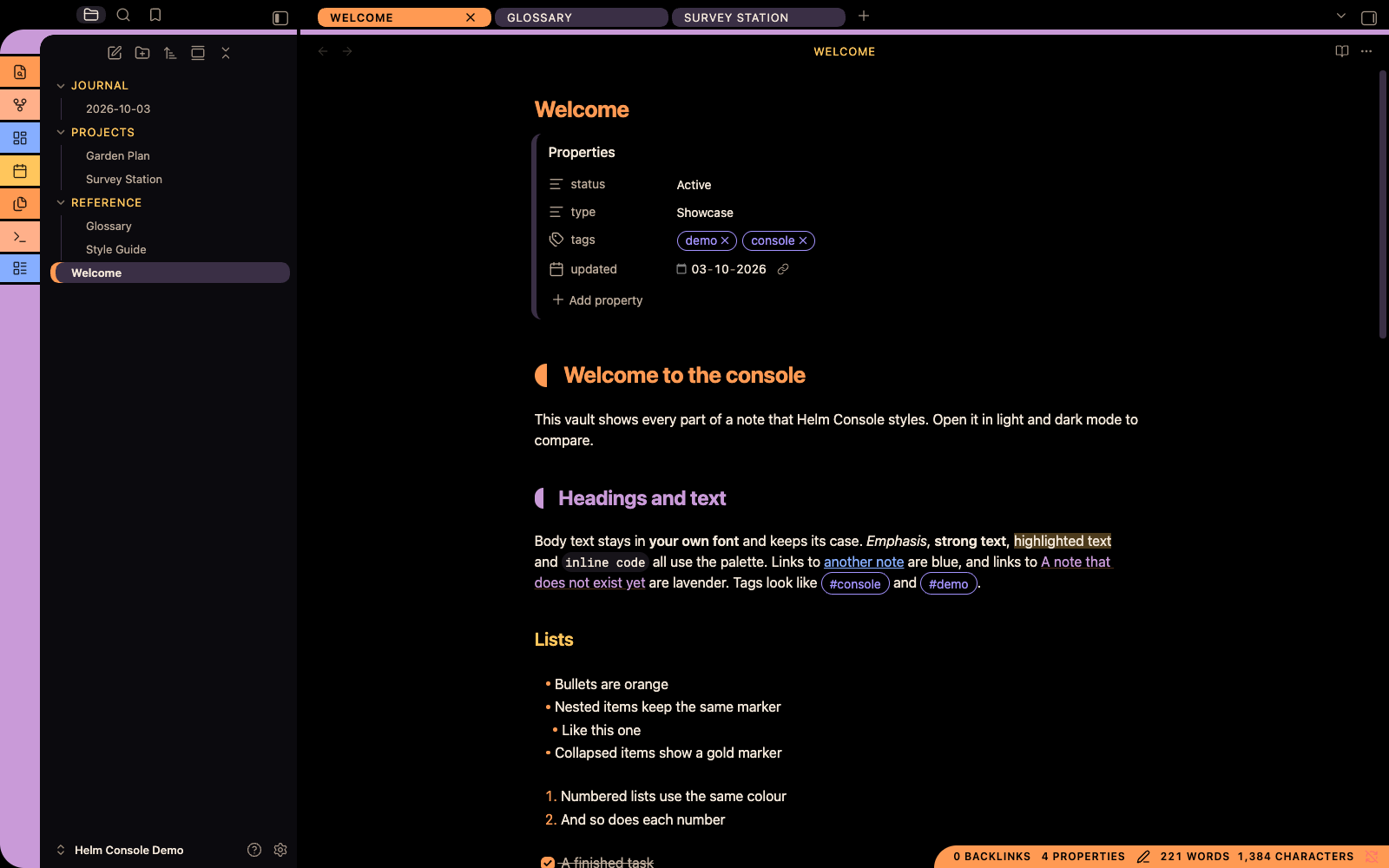
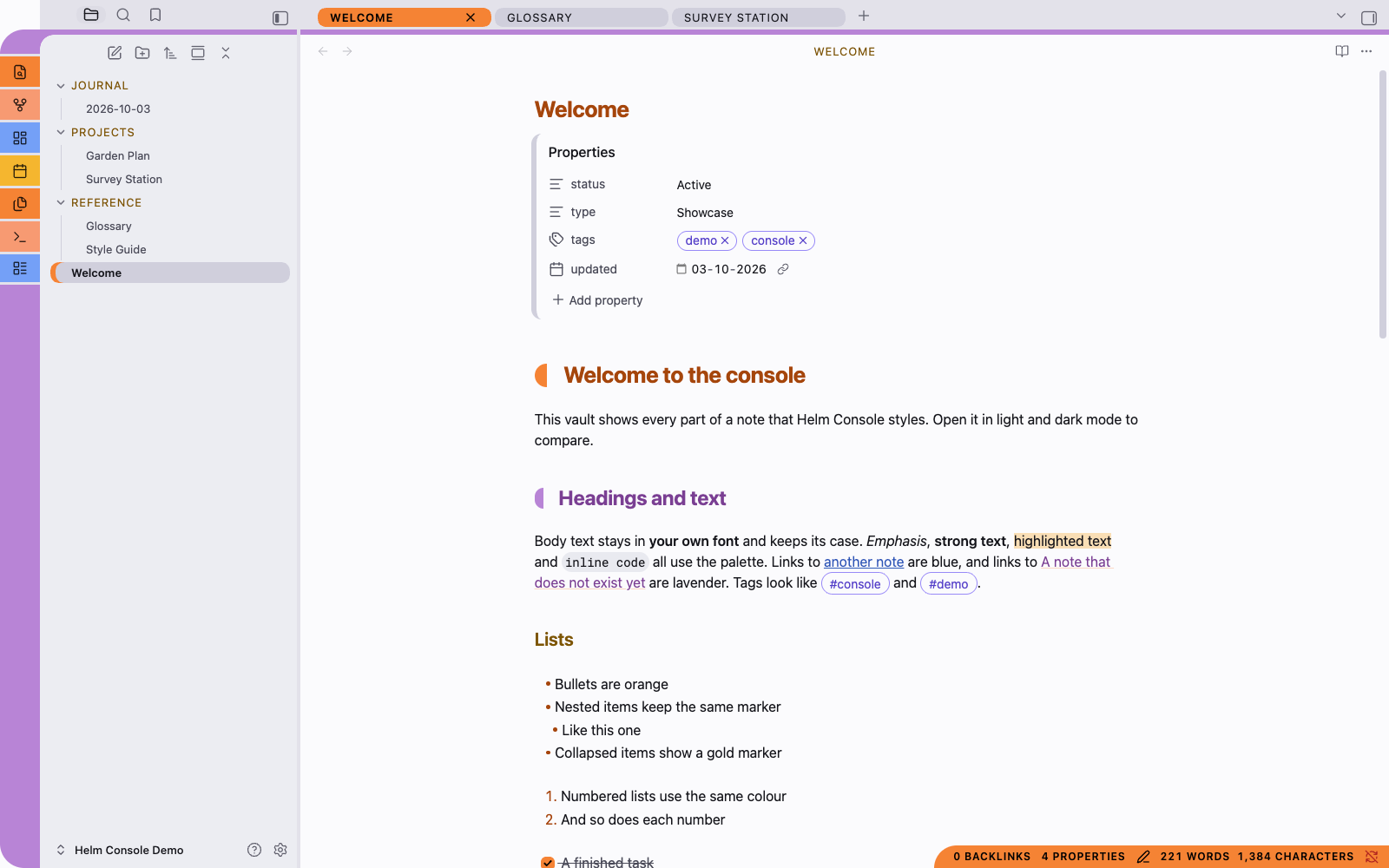
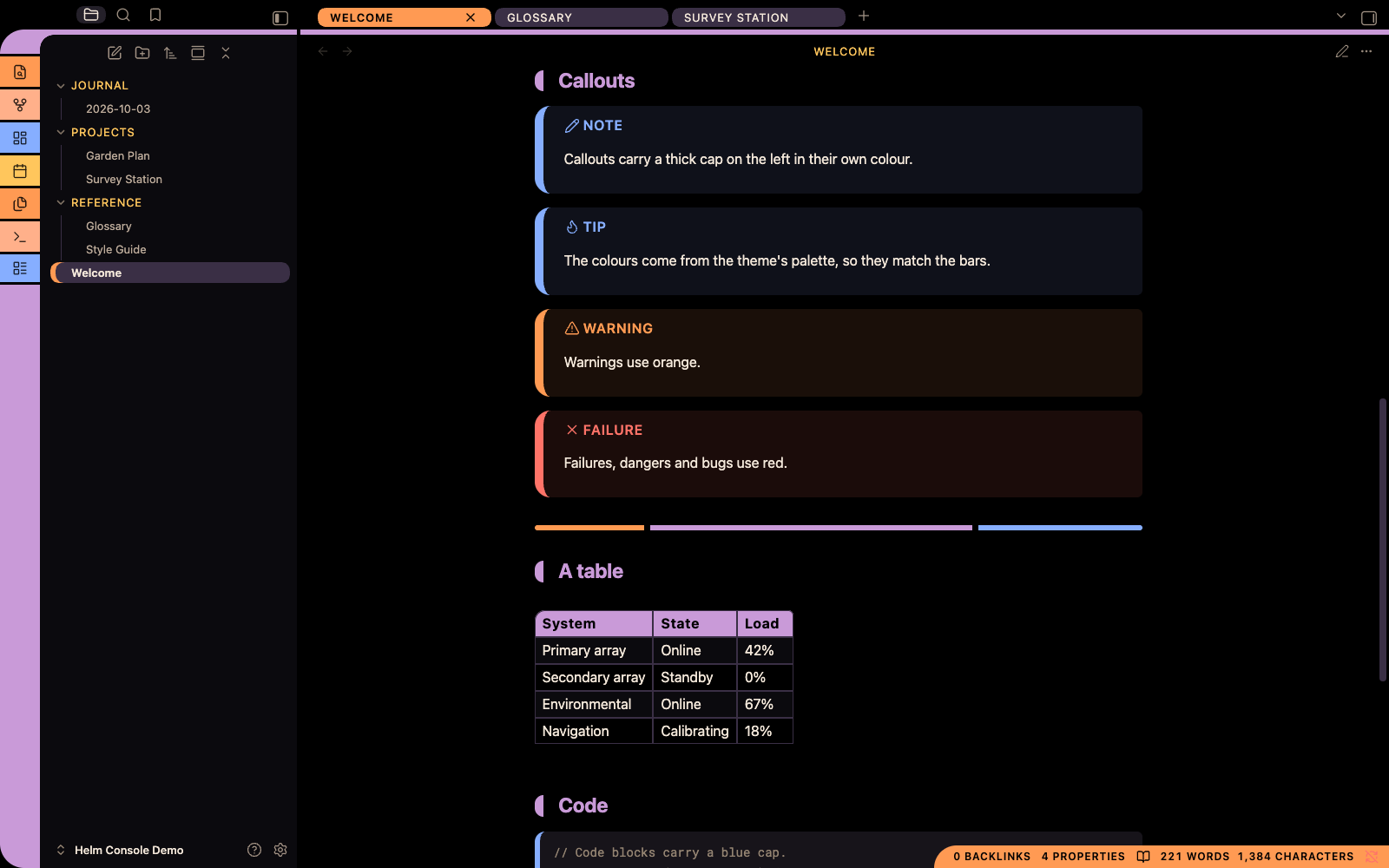
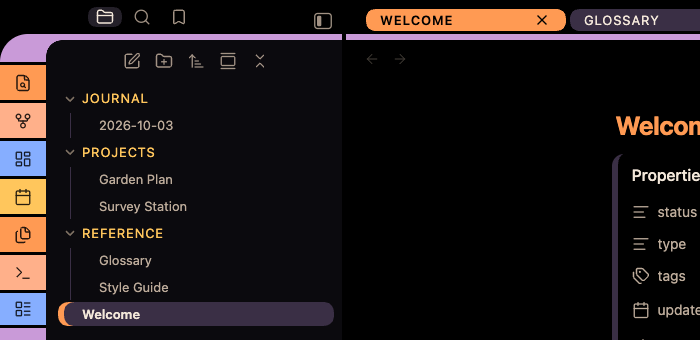
Scroll sideways for more screenshots.

Core features
- The whole window, not just the editor: a segmented ribbon that sweeps into the tab row through a curved elbow, pill tabs, coloured sidebars and an orange status bar.
- Notes in the same idiom: heading end caps, segmented horizontal rules, capped callouts and code blocks, and tables with a lavender header.
- Two modes designed separately: bright bars on a black screen, and a clean, cool light mode with no black anywhere.
- Obsidian's own fonts throughout, because the theme sets none, and three optional switches through the Style Settings plugin.
Good for
- Dark-mode writers: Bright, readable colour on black, with warm off-white body text for long sessions.
- Visual navigators: Colour marks where you are: the active tab, the open file and the chosen command are solid bars.
- Fans of the panelled console look: The flat-bar style, without changing your fonts or getting in the way of writing.
Installing
In Obsidian, open Settings → Appearance → Themes → Manage, search for Starship Console inspired by LCARS and choose Install and use. Or open the theme's page on the Obsidian community site.
To install it by hand: the theme is a single theme.css file with a manifest.json beside it. Download both from the latest release, place them in YourVault/.obsidian/themes/Starship Console inspired by LCARS/ (the folder name must match exactly), then choose the theme under Settings → Appearance. It needs no plugins and loads no remote assets, so it works offline. It needs Obsidian 1.6.0 or later.
Until version 1.0.2 the theme was called Starship Helm Console. To move an existing install, choose the theme again under its new name; if you installed it by hand, rename its folder to match. Your Style Settings switches carry over.
License
This theme uses the MIT License. Copyright is held by Anthony Fitzpatrick.
Feedback
Found a rendering problem, a contrast issue, or a part of the interface the theme has not reached?
This is an independent, unofficial, fan-made theme. It is inspired by the LCARS interface style seen in Star Trek: The Next Generation, and it is not affiliated with, endorsed by, sponsored by, licensed by, or connected to Paramount Global, CBS Studios, or any other rights-holder. It reproduces no artwork, logos, insignia or typefaces from any production. Star Trek and related marks are trademarks of CBS Studios Inc.; LCARS is a term from that franchise, used here only to describe the style. It is also not affiliated with or endorsed by Obsidian.